Manage servers
The node agent contacts the panel, downloads its profile and sends metrics. Agent status and Xray health are checked separately.
Where to find it: #/nodes — Infrastructure.
Workflow
- Connect a node.
- Select a profile or “No profile” for a test server.
- copy the installation command.
- run it on your server.
- wait for contact.
- add a host and test the VPN.
Versions and bgp.tools
The Xray version button opens available releases; test a version on one node first. In the network tab, run bgp.tools lookup for IP, ASN, operator and prefix information. This does not prove VPN connectivity. If the agent responds but Xray does not, inspect diagnostics and sn-node logs, configuration and occupied ports.
Verify the result
Open the profile inbound port in the firewall. Restarting the engine interrupts connections. Test version updates on one node first.
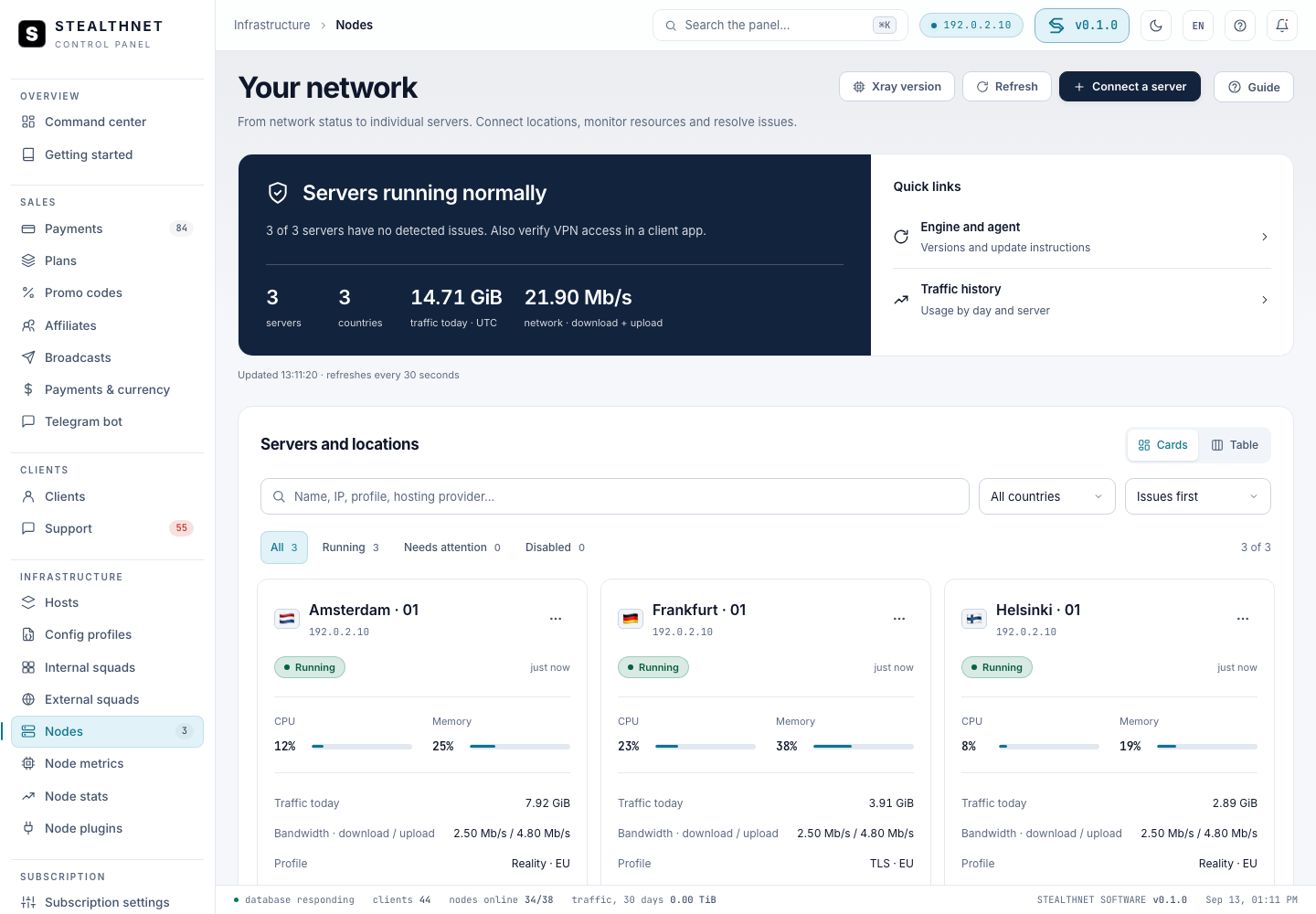
Interface shown with demonstration data.
Related guides
node-installation · Configurations and inbounds · What customers see in their server list
Unassigned nodes and configuration testing
When connecting a server, leave “No profile” selected in the Configuration step, even if no profiles exist yet. Install the agent and wait for it to come online. It reports metrics without accepting VPN connections.
For an existing node, open its profile selector, choose “No profile” → “Apply”. After synchronization, the agent closes the previous VPN connections. The profile, hosts and squads are retained; this node’s inbound bindings are removed. If the node was used for a rehearsal, that trial finishes and its candidate profile is retained.
Open the profile you want to check → “Test-node rehearsal”, select the free online node and start the trial. “Finish trial” releases the node again. To return it to service, assign a profile and verify a test client connection. Schedule an interruption before releasing a node that serves customers.